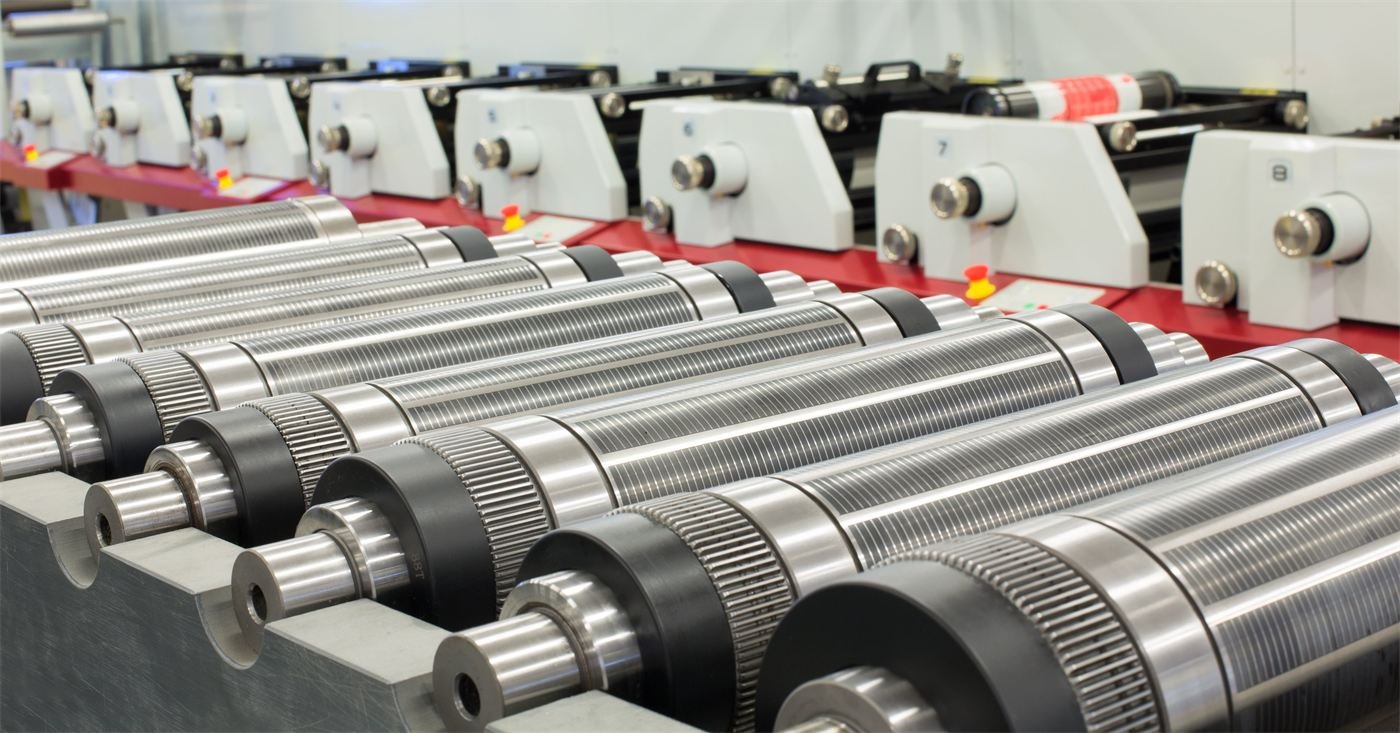


The anilox roller decides how much ink reaches the plate, and how evenly. Choose the wrong one and no amount of press adjustment will give you clean highlights, strong solids and stable colour at the same time.
This guide explains the specifications that matter when you choose an anilox roller for flexographic printing, and how to match them to the jobs you actually run.
What an anilox roller does
An anilox roller is a precision cylinder engraved with millions of tiny cells. Ink fills the cells, a doctor blade wipes the surface clean, and the ink left inside the cells transfers to the printing plate. Because the cell volume is fixed, the anilox meters a consistent ink film on every revolution. That consistency is what makes flexo repeatable.
The two numbers that matter most
1. Line screen (cell count)
Line screen is the number of cells per linear inch (LPI) or per centimetre (L/cm). Finer screens have more, smaller cells and support fine detail and highlight dots. Coarser screens have fewer, larger cells and suit solids, whites and coatings.
A common rule of thumb for process work is an anilox line screen of roughly 4 to 6 times the plate screen. With a 150 LPI plate, that points to an anilox of around 600 to 900 LPI. Staying in this range helps stop small plate dots from dipping into the cells, which causes dirty print and dot gain.
2. Cell volume
Volume is how much ink the cells carry, measured in BCM (billion cubic microns per square inch) or cm³/m². It controls ink film thickness and therefore density. Too little volume gives weak, mottled solids; too much fills in highlights and increases drying problems.
| Typical application | Line screen (LPI) | Volume (BCM) |
|---|---|---|
| Fine process / high-detail vignettes | 800 to 1,200 | 1.0 to 2.0 |
| General process and line work | 500 to 800 | 2.0 to 3.5 |
| Solids and text | 300 to 500 | 3.5 to 6.0 |
| Opaque whites, varnishes and coatings | 120 to 300 | 6.0 to 15+ |
These ranges are starting points. The right specification depends on your ink system, substrate, press speed and plate. We recommend confirming it with a press trial.
Ceramic or chrome?
Ceramic anilox rollers are laser-engraved into a hard ceramic coating. They offer very fine, precise cells, excellent wear resistance and long life, which makes them the standard choice for most modern flexo printing.
Chrome anilox rollers are mechanically engraved and chrome-plated. They are economical and still widely used for coatings, adhesives, varnishes and lamination, where very fine screens are not needed.
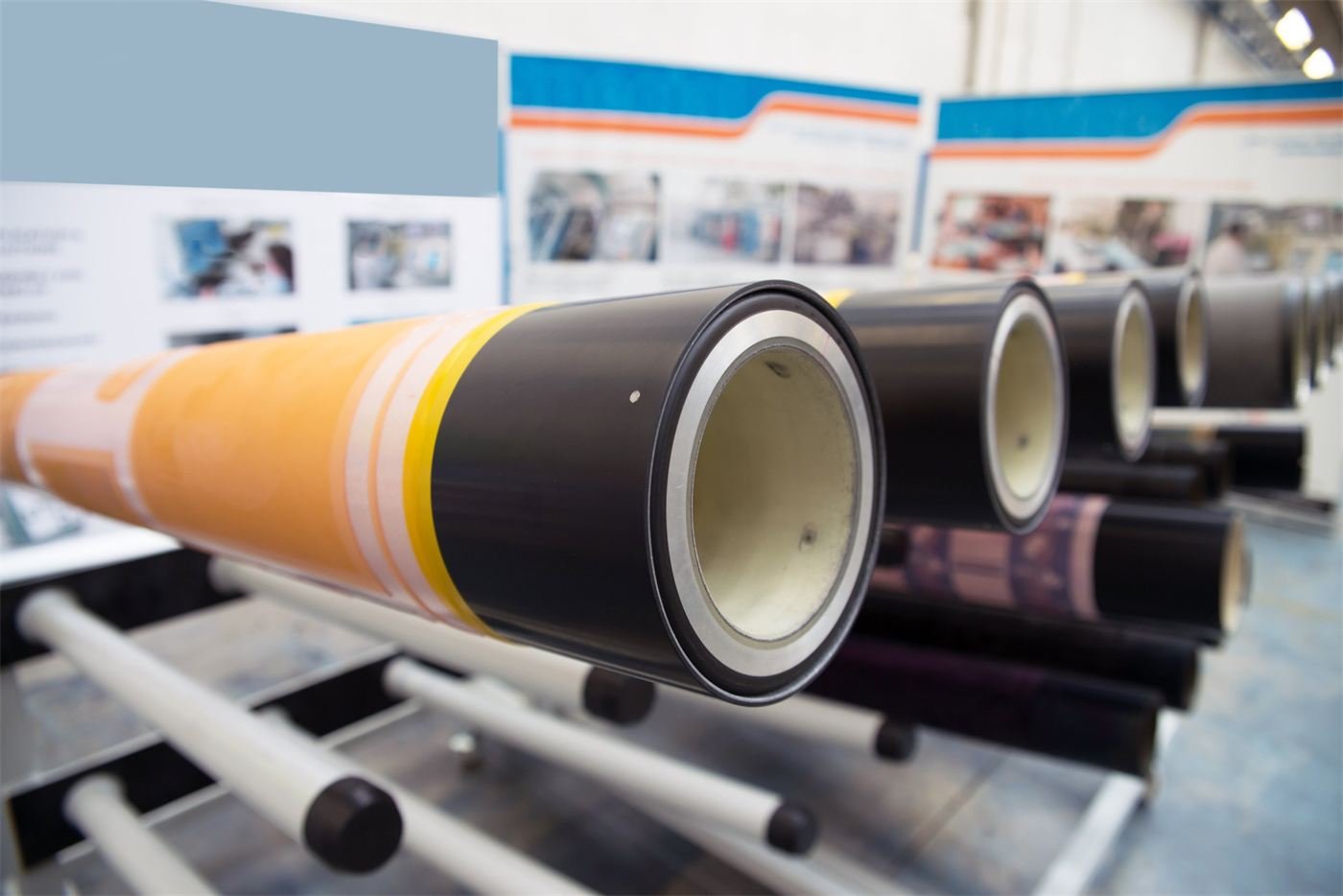
If you run frequent job changes, anilox sleeves make changeovers faster and lighter than swapping full rollers.
Cell geometry and engraving angle
Most ceramic rollers use a 60° hexagonal cell, which packs the most cells into the surface and releases ink evenly. Open or elongated channel engravings can help with high-viscosity inks, coatings and high-speed work where ink release is a challenge. Your supplier should be able to show the cell profile under magnification.
How many rollers do you need?
Standardising on a small "anilox library" makes colour far more predictable. Many converters work well with three to four specifications per press: one fine roller for process, one medium roller for line and spot colours, one heavy roller for solids, and one for whites or coatings. Fewer, well-chosen rollers also mean fewer surprises when jobs repeat.
Keep performance stable
Even the best anilox loses volume as cells plug with dried ink. A roller that has lost 20% of its volume will print noticeably weaker solids. Regular cleaning and periodic volume checks keep ink transfer, and colour, consistent. Read our guide to anilox roller cleaning for a practical routine.
Summary
- Match the anilox line screen to your plate screen (around 4 to 6 times for process work).
- Choose the cell volume for the ink film you need: low for detail, high for solids and whites.
- Ceramic suits most printing; chrome suits coatings and adhesives.
- Build a small, standard anilox library and keep it clean.
Dots n Tones supplies ceramic and chrome anilox rollers, anilox sleeves and chamber doctor blades, and our technical team team can help you specify an anilox library for your presses.